Telegram bots for business: enquiries, replies and human handoff
Design a bot that receives enquiries and sends useful updates. A practical guide to conversation states, CRM integration and knowing when a person should take over.
Contents
A Telegram bot is useful when it shortens a repeated task: choosing a service, submitting an enquiry or checking a request's status. If it adds questions without helping someone progress, automation merely moves confusion from the website into a conversation. Start with one clear problem that can be tested through an actual journey.
Our hypothetical example is a repair workshop receiving service questions and assessment requests. A bot can organise information and acknowledge receipt. Technical decisions, final pricing and exceptions remain with the team. Connecting an AI model does not by itself replace those responsibilities or make its answers automatically correct.
Choose a task suited to conversation
List recurring questions and check whether their answers are stable. Opening hours, available services and information needed for an enquiry can be useful starting points. A situation depending on photographs, incomplete context and specialist assessment needs an understandable handoff to a person rather than an endless sequence of automatic questions.
Write a narrow promise: “I can help you send an enquiry to the workshop”. This is more precise than “I solve every problem”. Define decisions the bot cannot make. Those boundaries should appear at the appropriate moment in the conversation rather than only on a distant page people are unlikely to read first.
Prepare the opening and menu
Telegram provides commands, buttons and other interaction mechanisms described in its bot features documentation. Choose a few recognisable actions. For the workshop, these might be services, a new request, request status and contacting the team. Names should describe the person's task rather than an internal software module.
At first interaction, explain who operates the bot and what happens to an enquiry. Offer language selection where the audience needs it. For Romanian and Russian, inspect the complete journey, including errors and confirmation. A translated menu is insufficient if the remaining conversation unexpectedly returns to a different language.
Draw states before writing responses
A conversation is more than a list of messages. The bot needs to know whether someone is choosing a service, describing an issue or reviewing a summary. Draw those states and permitted transitions. Include back, cancel and restart routes that do not leave incomplete enquiries scattered throughout the operational system.
For the workshop exercise, use a short sequence:
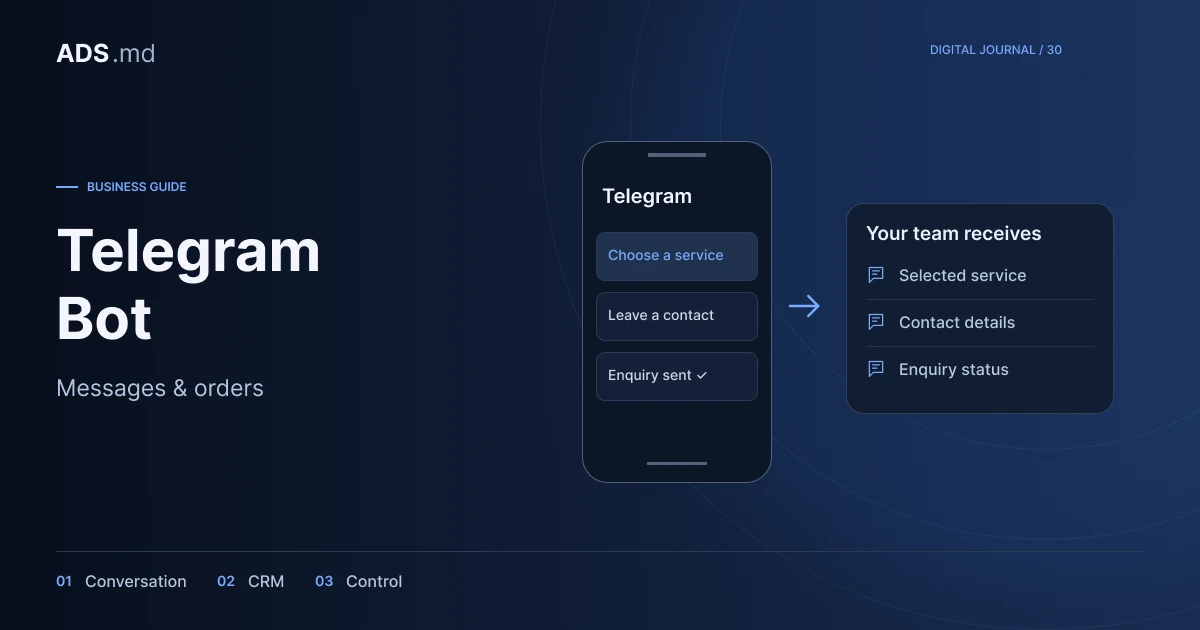
- Choose a service category.
- Describe the problem briefly.
- Select a reply channel where needed.
- Review the summary and confirm submission.
Test unexpected behaviour: text instead of a button, two consecutive messages and returning after several hours. The bot should explain the current stage. Do not interpret every message as a new request or lose confirmed information merely because the person temporarily asks something else or opens another menu section.
Acknowledge receipt after saving the enquiry
“Your request has been sent” should appear after the system accepts the information. If the CRM connection fails, explain the situation and preserve a recovery path. Do not display success simply because the bot received text when the team still cannot find the enquiry in its working system.
The Telegram Bot API documents transmitting and receiving data for developers. The bot token belongs securely on the server. In a proposed implementation, handle repeated delivery so the same enquiry is not created several times. Confirm the operation's result rather than merely the arrival of another message.
Connect the request with an owner
The CRM needs an identifier, category, useful summary and status for the team. Do not automatically copy the complete conversation into every connected tool. Decide what information helps handling, who can access it and how long it should be retained for the established operational purpose.
In our workshop example, a new request could be assigned to the person doing initial assessments. There needs to be an internal procedure when that colleague is unavailable. The bot should not promise an immediate reply when working hours or team capacity do not support it. Accurate wording helps customers understand the wait.
Give notifications a specific reason
A useful notification reports a status change or identifies information needed to continue. Avoid turning everyone who asks for help into a permanent recipient of promotions. Explain notification options and provide an easy way to stop optional messages while continuing to use the bot's main function.
Distinguish acknowledgement, request updates and marketing. They have different purposes. In an exercise, compare “We received request 123” with “We have a new offer”. The first communication being necessary to the service does not mean the person automatically agreed to receive the second category of business messages.
Use AI where answers can be checked
If you add AI responses, start with an approved information base and rules for requesting human help. Prices, conditions and availability must not be invented to keep a conversation flowing. An answer requesting staff verification can be more useful than a confident but false explanation that creates expectations the business cannot fulfil.
Keep a human contact option visible after an automated answer. Review ambiguous questions, requests outside the offer and messages containing unnecessary personal information. Examine the reply, navigation and saved data together: accurate wording can conceal an integration that stores too much information or sends it to an inappropriate destination.
Test the conversation as a product
Before launch, complete the journey in every language, including cancellation, lost connectivity and CRM unavailability. Test a new user and someone returning to an existing request. Include the colleague receiving enquiries, who should confirm that the resulting summary is clear enough to begin a useful conversation.
After launch, monitor received enquiries, errors, requests for help and repeated questions. Message count does not automatically equal customers. A shorter conversation that delivers the right information to the team and explains the next step to the user can be a better result than a long, apparently active exchange without a clear outcome.
Sources and documentation
Your notes
Notes stay in this browser.