Online payments on ADS Moldova: PayPal and bank cards
Pay for ADS Moldova services and packages on our website. Learn how to choose an offer, review the amount and pay with PayPal or a card when available.
Contents
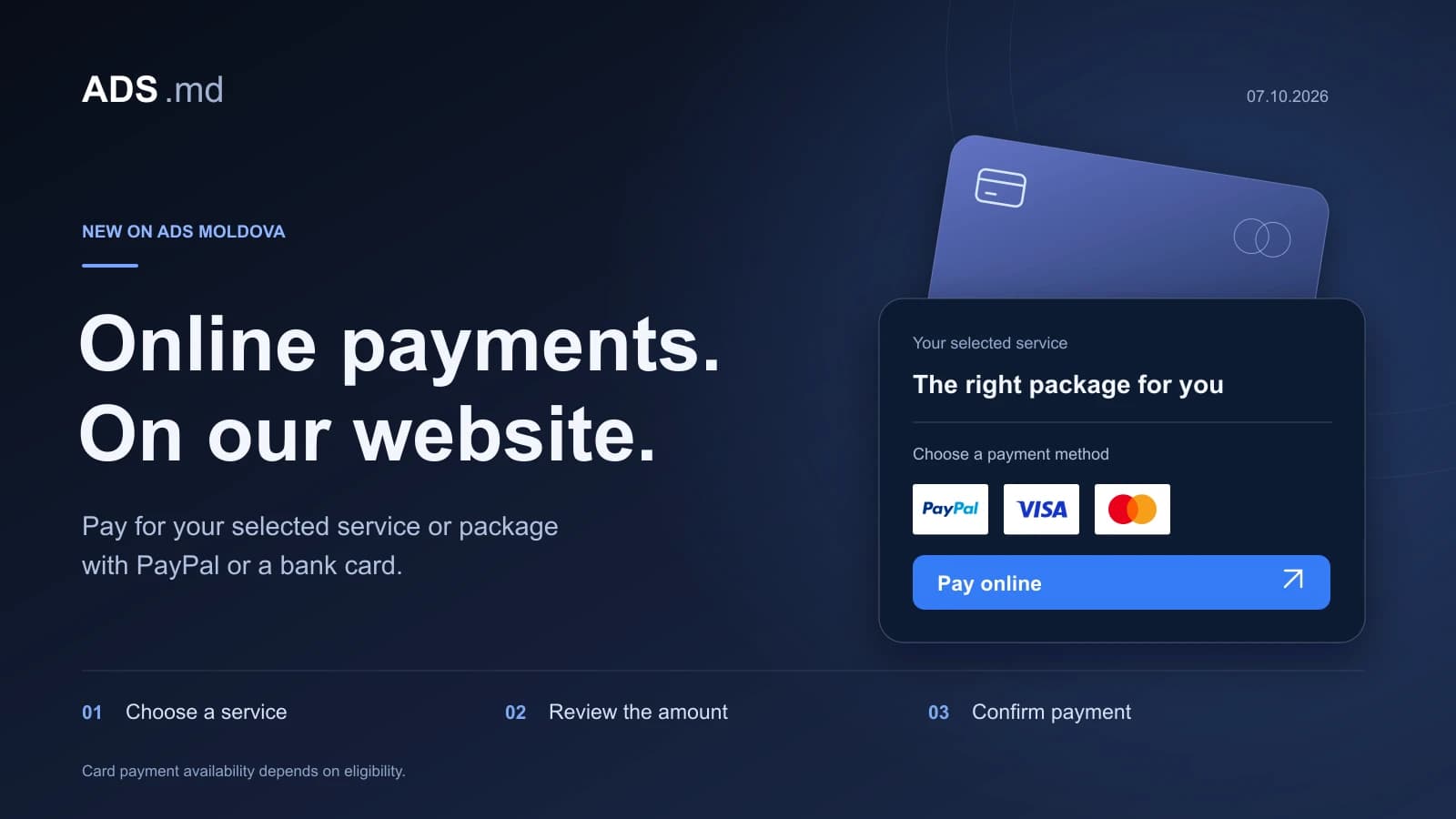
You can now pay online for fixed-price services and packages on ADS Moldova, using PayPal or a bank card when that option is available at checkout. The integration is active on our website. A “Pay online” button appears alongside eligible services and inside their packages, connecting your choice to a dedicated payment page.
This update is part of ADS Moldova’s development as a digital services platform. Discovering an offer is one step; being able to proceed with it is another. We have connected service pages and packages to a checkout that presents the selected offer, its amount and the payment options together.
This article explains what has changed and what to review before confirming a payment. Price examples reflect the website on the publication date, 7 October 2026. For a new purchase, always refer to the current offer and the amount displayed at checkout.
What you can pay for on ADS Moldova
Our service catalogue covers website development, advertising, SEO and automation. Where online payment is enabled for a fixed-price offer, its button opens the corresponding checkout. Detailed service pages also have individual payment buttons for packages, allowing you to compare the included work before choosing one.
The distinction matters because a starting price does not describe every package. A service can have several versions with different deliverables and amounts. The button inside a package opens that specific package. Its name and amount travel together, so a higher package is not sent to checkout at the service’s lowest price.
For example, the TikTok Ads page lists Start, Business and Premium. At publication, their prices are EUR 150, EUR 350 and EUR 600. Selecting Business opens “TikTok Ads — Business” with EUR 350 due. These figures illustrate how the selection works; the right package still depends on the project you want to carry out.
Offers that require an individually negotiated price retain the request-a-quote option. If the work cannot yet be defined accurately, discussing it with the team is the useful next step before payment.
Why we added online payment
Once a client understands the service and selects a package, the next step should be predictable. Without an on-site payment route, the process often continues through messages explaining the amount, payment method and service associated with the transfer. The integration brings those details into one place.
For a company, this can make internal coordination easier. A colleague reviewing the offer can share the package page with the person responsible for payment. That person can check what they are about to pay for. An owner working from a phone can proceed from the page already open, without searching through an earlier conversation for instructions.
Online payment does not remove the need for advice. You can still request a quote, consult the calculator or discuss your needs with the platform’s assistant. Payment becomes useful when the choice is clear enough to proceed. Larger projects may need requirements, responsibilities, access and a delivery schedule agreed beforehand.
How to pay for a service, step by step
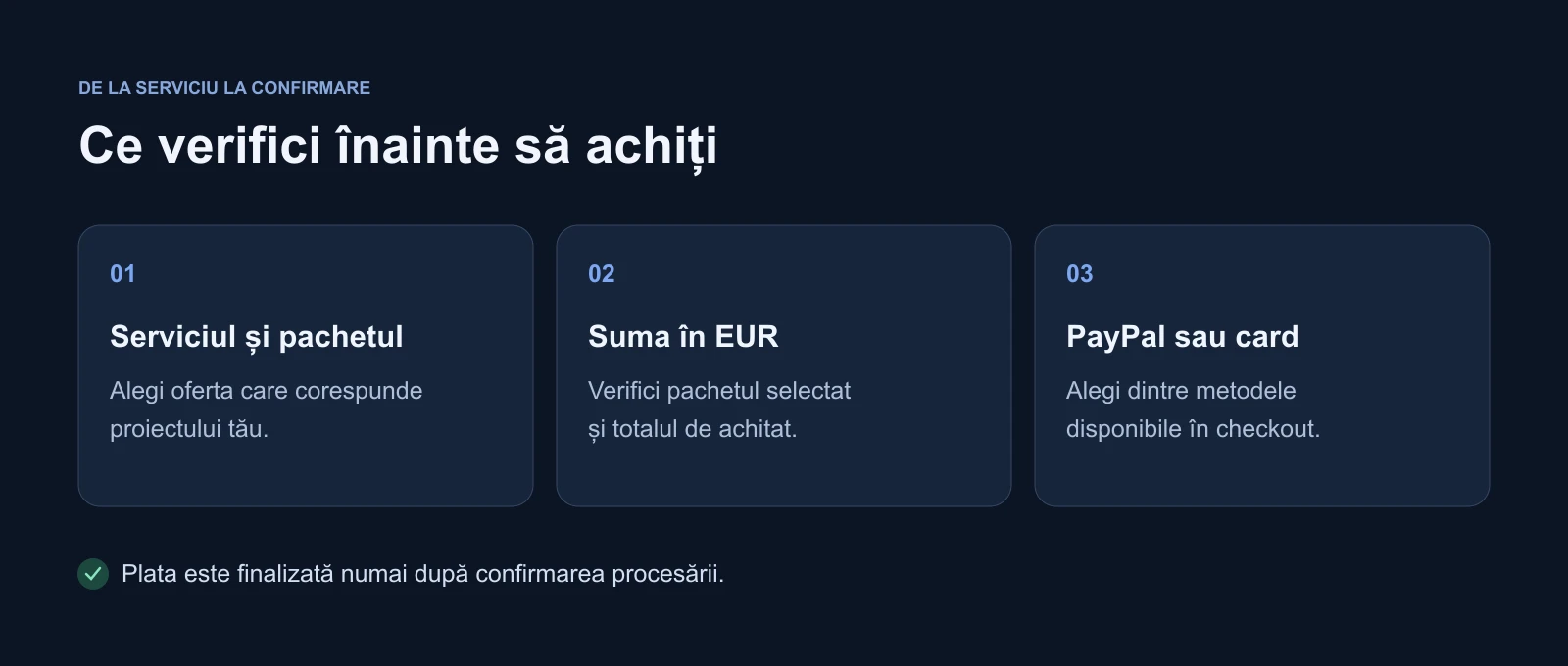
Romanian-language illustration: review the service and amount, then choose a method. Processing confirmation determines the payment result.
Open the screenshot at its original sizeStart on the service page or in its package list. Read the description and make sure it matches the work you want. Where several options are available, compare their deliverables as well as their prices. Packages within one service category can address different levels of complexity.
- Choose a service or package and select “Pay online”.
- Review its name, description, value and amount due now at checkout.
- Read the terms and privacy information, then provide the acceptance requested by the form.
- Open the payment methods and choose from the options available for your transaction.
- Follow the steps supplied by PayPal and check the resulting payment status.
Checkout separates the offer summary from the payment area. You can refer back to the service and amount before confirming. If the wrong package is selected, stop and return to the service page. Correcting the choice before sending payment is easier than resolving an unintended purchase afterwards.
A short review is worthwhile: the service name is right, the package is the one you intended, the amount matches the agreed offer and the currency is EUR. If any detail differs from your discussion with the team, use the contact option before proceeding.
PayPal and card options at checkout
The integration uses PayPal to process payments. You may continue with the PayPal method or see a bank-card option, depending on eligibility. PayPal, Visa and Mastercard marks appear on the website to make the methods associated with the integration recognisable.
Card availability varies by transaction. PayPal’s eligibility documentation explains that available methods depend on factors including buyer location, currency, merchant configuration and amount. The options actually presented at checkout are therefore the relevant ones for your payment.
When a guest card flow is available, it can allow card payment without a PayPal account through the processor’s interface. We do not assume that every visitor will receive this option. If it is absent, review the methods offered or contact us to discuss an alternative. Payment marks in the website footer help explain the integration; they do not override the processor’s eligibility decisions.
Package prices and payment currency
The current integration processes payments in EUR. The pricing page can also show an MDL conversion for reference, but the payment note and checkout specify the EUR amount. Check the currency at checkout, particularly if you previously viewed prices in another currency.
A price described as “from” should be read together with the offer. It represents the starting point for that scope, rather than every possible combination of requirements. Additional pages, functionality, creative materials or other work can change a project. These items belong in the agreed offer; payment for one package does not automatically cover every later request.
For advertising services, also establish what the amount represents: ADS Moldova’s service, advertising spend or another agreed component. If the description leaves an important question unanswered, discuss it before paying. Checkout handles the payment, while the offer defines the work included in the collaboration.
How monthly packages work
The pricing page also includes monthly management packages. Their current online payment buttons collect one month through a one-time payment, without automatic renewal. This is stated beside the button and in the checkout offer description.
At publication, for example, the monthly Google Ads Business package is EUR 350. Selecting it opens an offer whose name includes the package and a one-month period. This button does not start an unlimited series of future charges. The following period and its services are arranged as part of the ongoing collaboration with the team.
Any setup is confirmed separately in the offer. A company starting advertising from the beginning may need different initial work from one with established accounts and measurement. Two businesses can select the same management category while having different starting conditions, so those details deserve their own discussion.
What we focused on during implementation
We connected payment buttons to actual platform offers. The server determines the amount for the selected service or package and checks payment confirmation. Simply opening a page or returning from a PayPal window is not enough for the integration to treat a payment as completed.
The implementation handles processing, cancellation and declined-payment states, together with safeguards for repeated requests. The aim is to manage a retry or return to the page consistently. A payment process can still encounter an error; a verified result remains the basis for the status shown to the customer.
Card details are entered through PayPal’s interface rather than a custom card form built by ADS Moldova. The website keeps the offer visible, including the selected service, amount and documents available for review. For someone making a purchase, those details are more useful than a payment page crowded with implementation terminology.
Using the flow on a phone or computer
We checked the payment buttons and checkout layout on desktop and mobile. Packages retain the request-a-package action, with online payment presented separately. You can ask a question or proceed to checkout according to how confident you are about the choice.
The payment presentation also accommodates the platform’s light and dark themes. The important information must remain readable: service, amount, methods and status messages. In a process involving money, legible text and a clear action have a practical purpose as well as a visual one.
If a payment does not finish
Closing the payment window before confirmation should not be interpreted as a paid order. Return to the message on the website. If processing is still pending, allow the status to be clarified before starting another payment for the same offer.
If a method is declined, read the message and follow the available options. If a transaction appears in your bank or PayPal records but the website’s result is unclear, contact ADS Moldova with the payment reference and service name. Do not send a full card number, security code or password through a support conversation.
Payment confirmation and service delivery are separate stages. After paying, the project may still need materials, appropriate access and a working schedule. Keep the transaction reference so it can be used when discussing that order with the team.
Frequently asked questions
Do I need a PayPal account to pay by card?
A card flow without a PayPal account may be available through the processor. Availability depends on eligibility and transaction context. Check the options displayed at checkout rather than assuming that all methods will be offered in every situation.
Can I pay for a higher package directly?
Yes. Use the button inside the package you want and check its name on the payment page. Each fixed-price package enabled for payment has its own amount. Start, Business and Premium are separate offers, not one service automatically charged at the minimum price.
Will a monthly payment repeat automatically?
Not through the monthly-package buttons implemented now. The payment covers one month without automatic renewal. Arrangements for following months and any initial setup work are discussed separately.
Can I ask for help before paying?
Yes. Use our contact page, request a quote from the relevant service page or consult the calculator. Understanding the selected scope matters more than rushing to pay for a package that does not suit the project.
The next step for your project
Online payment brings choosing an offer and paying for it into a shared journey. You can explore services, compare packages and proceed with the amount visible before confirmation. Contact options remain available whenever the project needs a discussion.
Explore ADS Moldova’s services, choose the appropriate package and review its checkout details. PayPal and card payment, when available, are now part of the platform: a practical addition to a collaboration that begins with a clearly understood offer.
Sources and documentation
Your notes
Notes stay in this browser.