PageSpeed and Core Web Vitals: fix the problems people feel
Separate lab tests from visitor experience and prioritise loading, responsiveness and stability. A practical guide to diagnosing issues and checking performance improvements.
Contents
A website can load its first screen quickly and still respond slowly when someone opens the menu. Another can react promptly while moving the form as a person tries to complete it. Performance has several components, and one overall score cannot explain every difficulty encountered during a purchase or enquiry.
This guide follows a hypothetical shop with a category, product page and cart. The aim is to identify what delays the customer's action, address its cause and verify functionality afterward. We are not pursuing a promised perfect score or commercial growth automatically attributed to every technical optimisation.
Choose representative pages and actions
Do not restrict analysis to the homepage. A category may contain many images, a product may have a gallery and the cart may load different functions. Choose journeys people actually use and record device, connection and user state for each check. Treat a first visit and a return visit separately where relevant.
Before using tools, complete the actions on a phone: open the category, select a product, change its variant and add it to the cart. Note waiting, unclear acknowledgement and moving content. These observations produce specific questions for technical analysis instead of a general request to make everything faster and obtain a green score.
Understand the three principal measurements
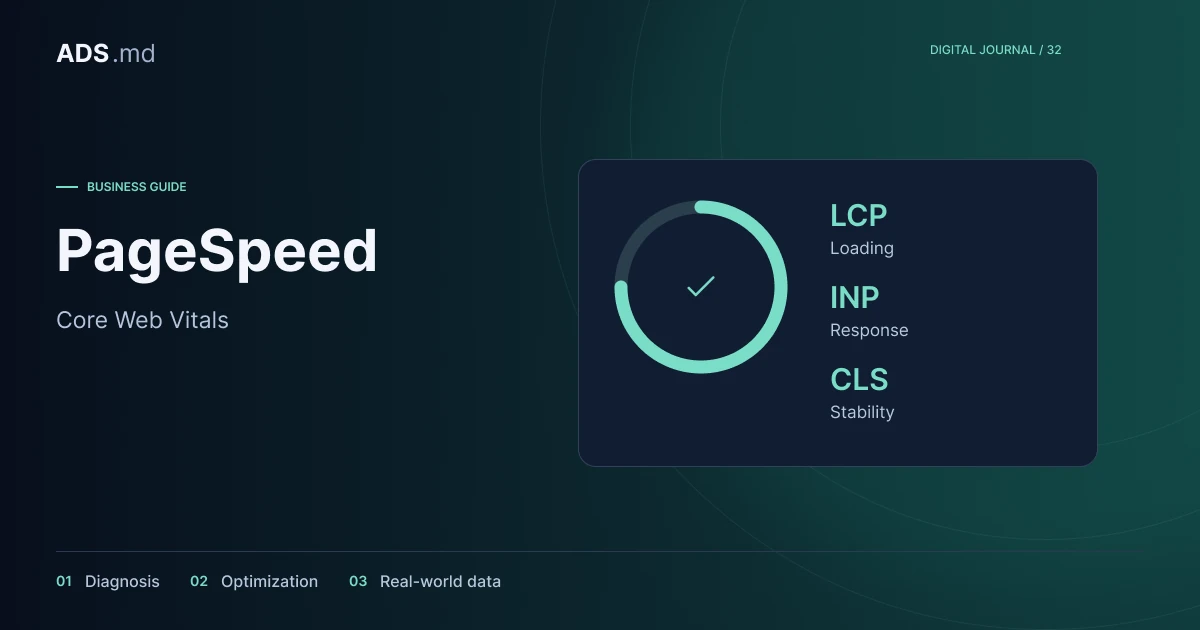
Core Web Vitals comprise LCP for main-content loading, INP for interaction responsiveness and CLS for visual stability. Good thresholds are LCP at most 2.5 seconds, INP at most 200 milliseconds and CLS at most 0.1, assessed at the 75th percentile. See the Web Vitals documentation.
Use these names to frame a problem without reducing the experience to a label. “The product image appears late” leads to a different investigation from “The variant selector freezes the page”. Good loading does not automatically establish that adding an item to the cart is fast and correct.
Separate lab tests from visitor data
PageSpeed Insights combines real-user information, where available, with a laboratory analysis. These are different perspectives. Field data reflects an observation period, while a controlled test describes the conditions of a particular run and helps investigate causes that can then be checked in the published product.
After a fix goes live today, a lab rerun may reveal a difference immediately. Aggregated visitor data can take time to reflect the change. If an address lacks sufficient public observations, their absence does not automatically establish good or bad speed. Describe the available evidence and its limitations carefully.
Identify what delays the opening screen
In the hypothetical category, inspect which image appears first and what prevents its arrival. The cause could be an oversized file, a request started late or a slow page response. Investigate before applying the same remedy to every image, since resources play different roles in the initial experience.
Prepare sizes suited to actual display and review quality after compression. Do not remove important product detail merely to minimise file size. Images that are not visible yet may have a different priority, but main content should not be delayed by an undifferentiated rule applied to every photograph.
Inspect work performed after interaction
When a selector or menu responds slowly, the problem may occur after initial loading. Reproduce the exact action and examine the work being performed. An application may do too much after one tap or start external functions that are unnecessary at that moment in the purchasing journey.
For the shop exercise, compare variant changes with and without optional components in a test environment. Preserve correct price and stock behaviour. Removing the whole feature for a better chart does not solve the customer's task. Optimise necessary work and defer optional activity until the moment it actually serves the person.
Reserve space for content arriving later
An image without reserved space, a banner or a font can change element positions during reading. Record when the shift happens and which object appeared. On the hypothetical product page, the cart button should remain an understandable target while the photograph loads instead of moving unexpectedly beneath the visitor's finger.
Inspect unusual states as well: form errors, longer translations, stock notices and a slow connection. Stability with demonstration content alone is insufficient. The structure should accommodate variation without overlaps, hidden explanations or unexpected movement of the action the person is currently trying to complete.
Prioritise through impact and evidence
Turn findings into a list containing address, symptom, verified cause and proposed fix. Do not copy every tool warning into an unordered plan. A problem preventing product selection deserves different attention from a minor extra resource on a rarely visited page. Consider its effect on the task and whether you can reproduce it.
For each change, keep:
- Conditions and observations before intervention.
- The specific, bounded adjustment.
- Verification after publication.
- Purchasing functions tested again.
- The risk of recurrence during later updates.
Confirm improvement with the complete journey
After optimisation, repeat category, product, variant and cart actions. Check permitted analytics, images, languages and error states. If you deferred a script, confirm its function still becomes available when needed. Performance and functional tests should concern the same published version, otherwise their results cannot be meaningfully compared.
Report observable changes and identify the type of data used. A stronger lab result can support a technical direction without independently proving additional revenue. Keep a few representative checks for future updates so that the next gallery or integration does not restore an already resolved delay or break the customer's principal journey.
Sources and documentation
Your notes
Notes stay in this browser.