MDStore: preparing creators, their catalogue and orders
A useful partnership starts with clear rules and fully prepared first products. Organise creator profiles, approval, order handling and practical mobile access.
Contents
Creators join a marketplace with products and expectations, not just an account. In MDStore, creator pages, verification and custom requests form the documented foundation for collaboration. For that foundation to work, partners need to understand what they prepare, what they receive and which responsibilities remain theirs.
Agree on conditions before the first publication
Clarify who sells, how payments are handled, who delivers and who answers complaints. Any commissions, costs and deadlines belong in current partnership conditions. This article does not establish prices: confirm them for the platform's actual operating model and current stage.
Describe updating, withdrawing products and ending collaboration. Creators should understand what happens to already accepted orders and published images. Rules are easier to apply when they address concrete situations instead of vague statements about respecting the platform that participants may interpret differently.
Start with a small, representative collection
In a hypothetical example, an artist begins with three available prints and one custom-work offer. This collection allows photography, descriptions and processing to be checked without importing a large set of incomplete records. The number is an organisational example, not an MDStore requirement.
Select products with known dimensions, materials, pricing and availability. One fully described work is more useful than many listings without conditions. Separate unique objects from repeatable editions and explain possible differences between pieces so buyers can understand the actual available option.
Make the profile a source of context
A creator page can explain technique, materials, background and working methods. Use concrete descriptions and approved photographs. The biography should help shoppers understand the work without repeating the entire story inside every product description.
Connect the profile to available pieces. If the artist accepts custom work, explain suitable requests and required information. A maintained profile remains useful after a unique product sells because it presents the creator, other work and possible ways to collaborate.
Turn approval into a useful exchange
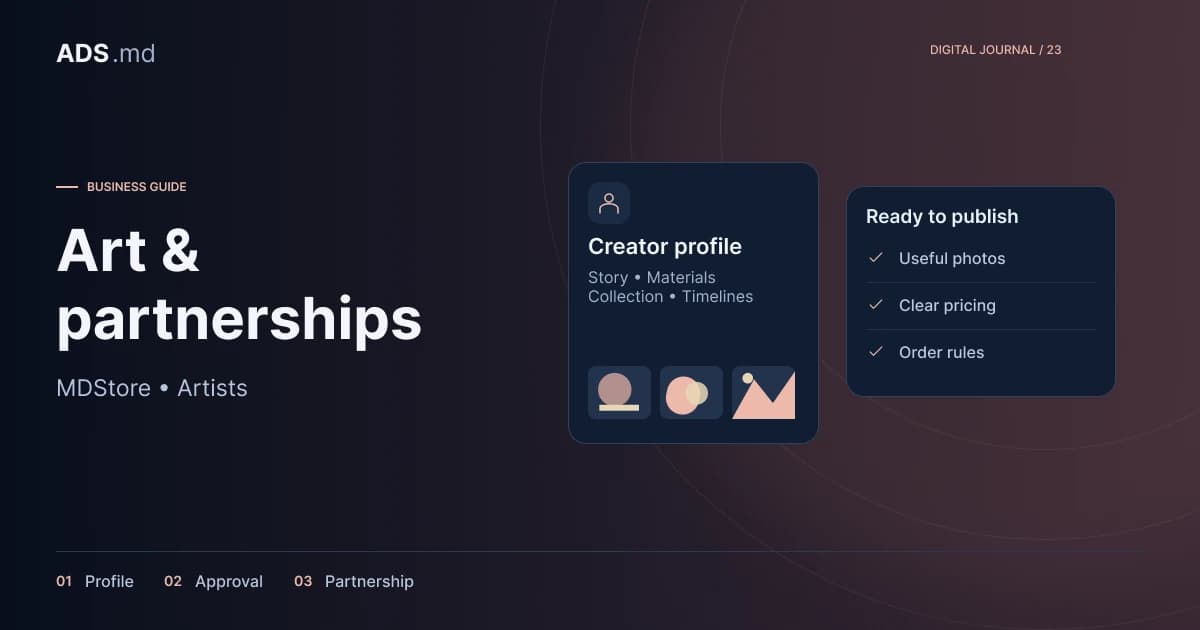
MDStore's documented structure includes product approval before publication. Prepare assessable criteria: relevant imagery, complete descriptions, rights, category and commercial conditions. Creators should see each item's status and what is missing before it can proceed.
Request specific corrections. “Add the frame dimensions and explain whether it is included” helps more than “poor description”. Preserve change history and assign a reviewer. This reduces wasted time and makes requirements predictable for the next products.
- The main photograph shows the actual item.
- The description explains materials and dimensions.
- Pricing and availability have been confirmed.
- The creator has rights to publish the materials.
- Delivery or made-to-order conditions are clear.
Treat custom orders as small projects
A personalised request needs requirements, timing and an explicit proposal. MDStore's offer and counteroffer flow allows clarification within the platform. Preserve the accepted version, including what will be delivered and what falls outside the agreed work.
In the print example, the buyer requests a different size and a personal inscription. The artist confirms feasibility before acceptance. Later changes produce an updated proposal agreed by both parties, rather than a collection of contradictory messages that makes the final arrangement difficult to reconstruct.
Support the creator's working rhythm
Decide who checks enquiries and how unavailable periods are marked. A creator may work alone with limited capacity. Catalogue stock, lead times and pauses in accepting work should reflect that reality so buyers see current conditions before discussing payment and fulfilment.
Create a brief routine covering new requests, active orders and availability. Notifications help orientation, but the primary record stays in the platform. When a notification fails, a clear activity list should make the request discoverable without searching scattered conversations.
Make mobile access useful before installation
Creators should be able to correct prices, answer requests and view orders from a phone. Use readable lists and forms that preserve information when interrupted. Dense administrative screens may need a summary with separately opened details for each task.
A PWA can make returning easier, but installation depends on browser and operating system. The web.dev installation guide explains these differences. Check browser actions first: adding an icon to a phone does not repair a difficult form or guarantee every application feature.
Define what remains visible offline and how stale information is identified. Locally saved prices or stock may be outdated. Confirm commercial updates after successful synchronisation and provide a clear retry route while preserving unsent edits so the creator's work is not lost.
Evaluate collaboration through resolved requests
Review approved products, answered enquiries, accepted offers and completed orders. Registrations and views describe only the beginning. Ask creators which details customers repeatedly request, then improve forms or product pages around those observations.
Nonessential tracking requires consent, and customer information should be available only to people involved in the work. For MDStore, a sustainable partnership means current information, clear responsibility and a process artists can use daily without becoming technical platform administrators.
Sources and documentation
Your notes
Notes stay in this browser.