A creator mini-site: portfolio, packages and a clear contact path
Organize a creator’s services into a page worth sharing: relevant samples, comparable packages and a straightforward enquiry path, with examples from SMM Reels.
Contents
A potential client may enjoy a creator’s videos and still have no idea what they can commission. Services, examples and conditions are often scattered across posts and conversations. A mini-site brings them into a sequence somebody can explore before sending the first message.
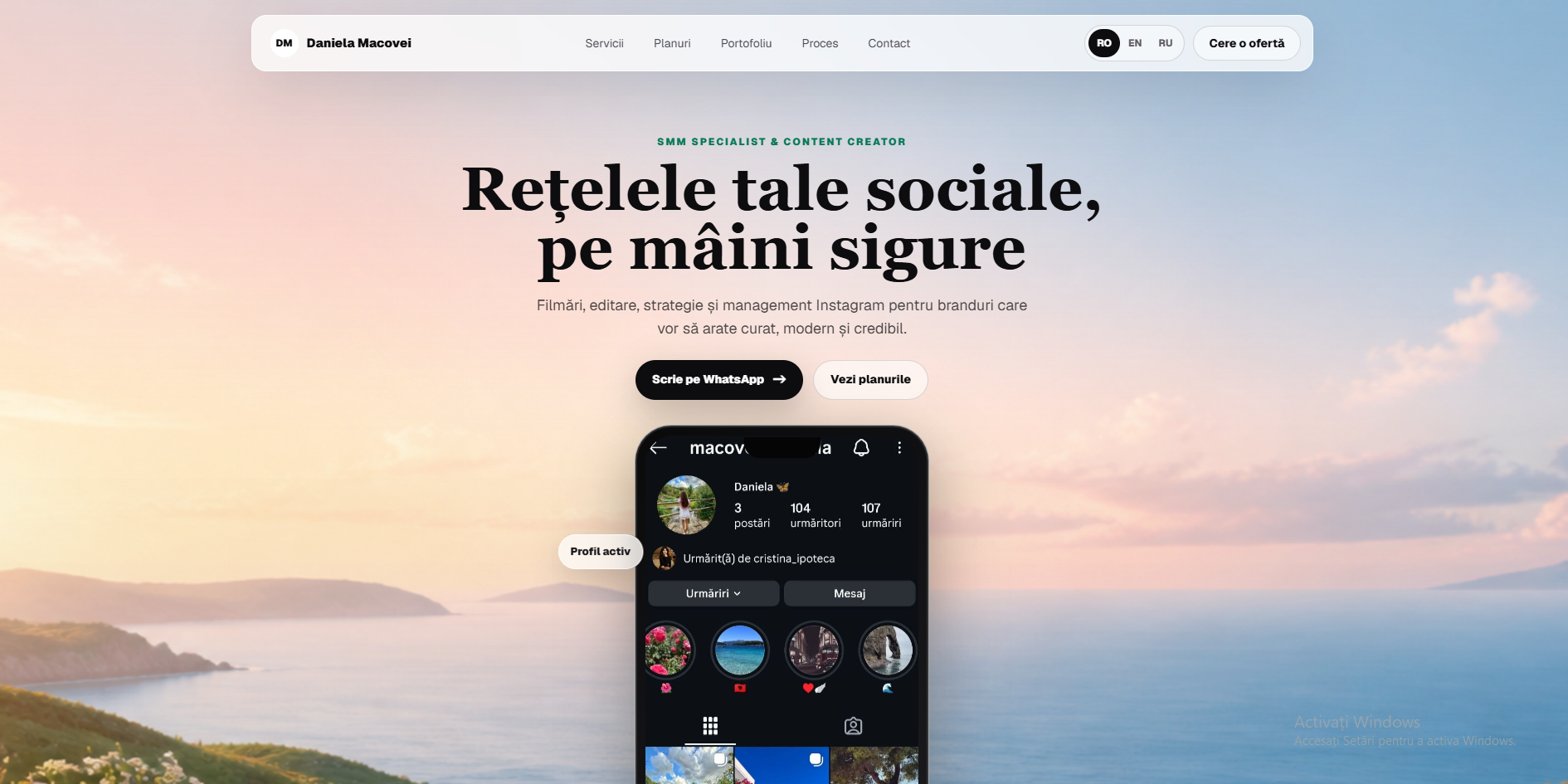
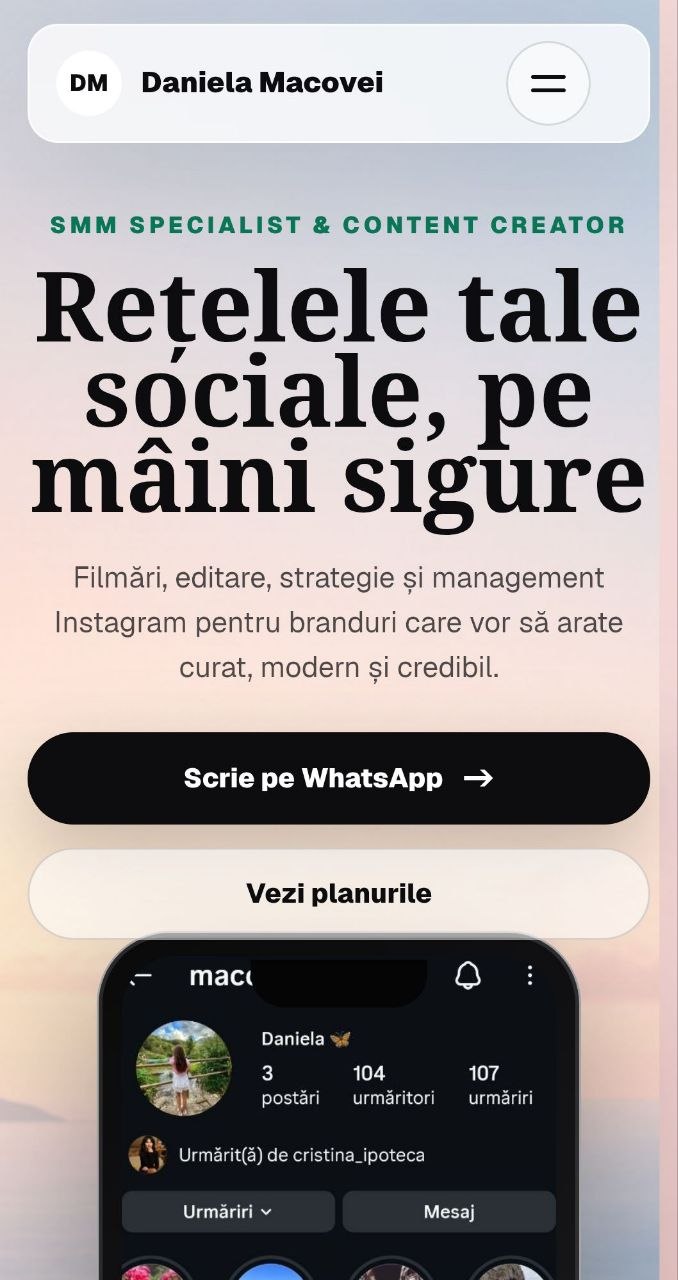
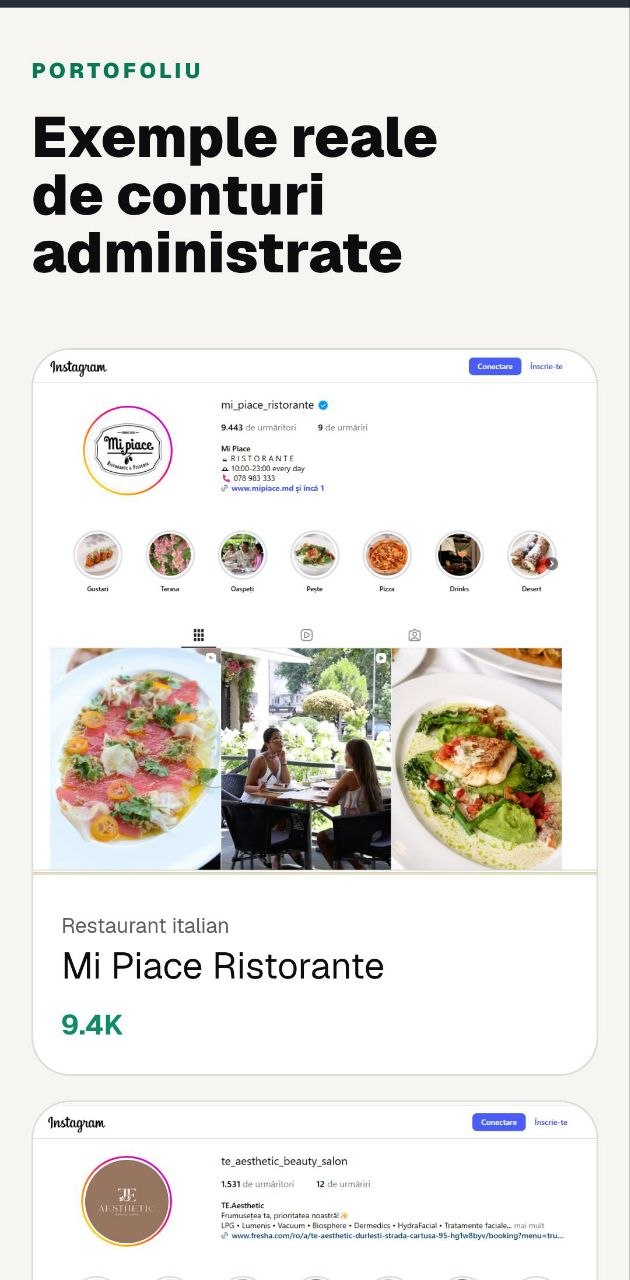
SMM Reels is a documented example: ADS Moldova built a presentation page with services, video samples, featured accounts, plans and contact in Romanian, Russian and English. The portfolio materials present the specialist’s work; the contribution discussed here is development of the website.
Start with the collaboration you want to offer
Write down which clients you serve and what responsibility you take on. Filming, editing, planning and managing an account are different activities. If they form one service, explain how they connect rather than assuming every client understands the same thing by social media management.
As an exercise, a photographer might separate the session, image selection and file delivery. A consultant might distinguish an introductory conversation from analysis and written recommendations. Breaking the work down helps create a precise offer instead of a collection of adjectives about quality.
Identify the boundaries too: who prepares products, who approves material and how many revisions are included. These questions influence packages and workflow. They do not all belong on the opening screen, but clients need somewhere to clarify them before agreeing to work together.
Introduce the person and the offer
The opening screen should identify the provider, intended client and what visitors can explore next. Use a portrait or relevant sample, a concrete heading and one main action. Avoid making people read a long biography before they can understand the service.
Keep links to genuine social profiles. Those profiles provide context for the creator’s activity, while the mini-site organizes commercial information. Check the destinations and identify who receives enquiries; a page built by an agency should direct requests to the service provider it presents.
Select samples that demonstrate a skill
A useful portfolio does not automatically include every completed piece. Choose samples that demonstrate relevant differences: a product, location, story or editing approach. Add a brief explanation of your contribution so viewers can interpret the work accurately.
In SMM Reels, vertical presentation preserves the videos’ context. For a similar project, make playback easy to start and stop, and avoid unexpected sound. On a phone, one clip should not prevent visitors from reading the rest of the offer.
Do not present portfolio accounts as results achieved by the agency that built the website. Distinguish the material’s author, the service provider and the page developer. When mentioning a commercial result, retain supporting evidence and context; a visible follower count alone does not establish someone’s contribution.
Make plans comparable in the same order
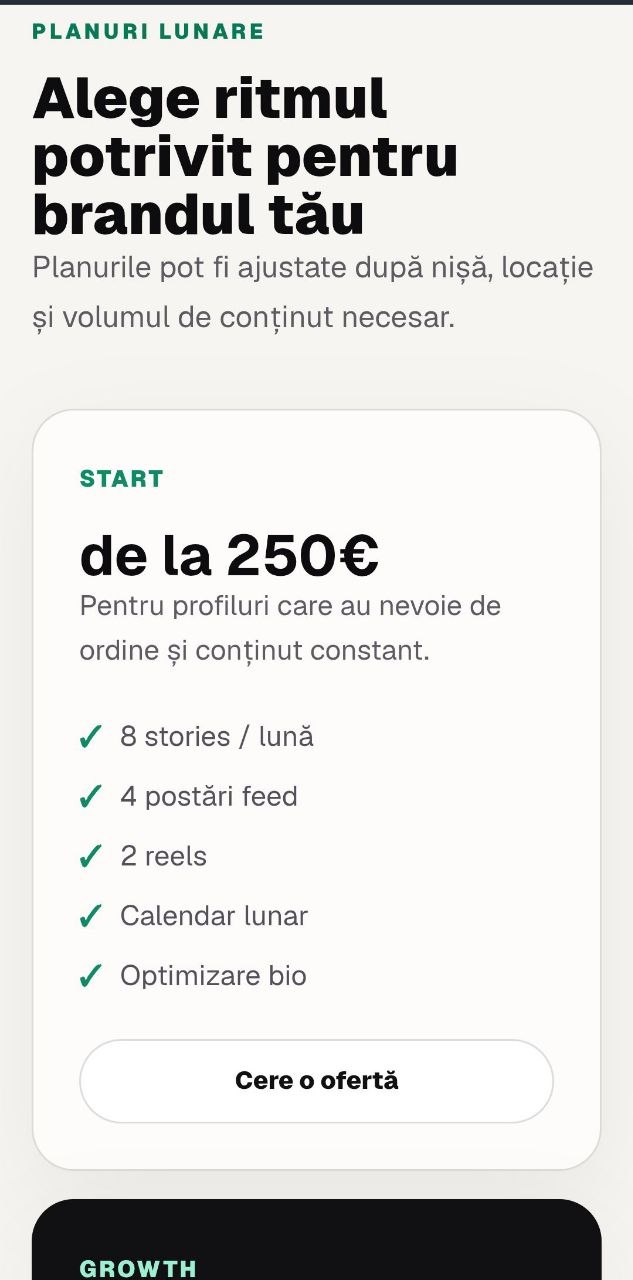
SMM Reels uses plans to organize the scope of collaboration. On your page, compare the same criteria across options: materials, frequency, activities and support. Accompany prices with conditions that make clear the volume and period to which they relate.
Explain important differences through the actual activities included in each plan. If location filming appears in only one option, show that directly. When travel or complexity affects the price, explain the factor and let the commercial discussion clarify the actual project.
Check the plans on mobile before approving the design. Cards should preserve the information order, and buttons should identify the option being discussed. A table requiring horizontal movement can make differences harder to follow precisely when the visitor is trying to compare them.
Show how the work starts and continues
A process section answers what happens after the message. For a creator, stages might include discussing the objective, preparing materials, production and approval. Use your actual sequence and explain what the client needs to provide at each step.
Describe outputs as well as meetings. A conversation may produce a shot list or content calendar, but only when these form part of the service. If client approval affects delivery timing, explain that dependency before it becomes a difficult delay.
Make contact specific and easy to test
An opening message might request the account link, business type and desired service. Those details prepare the conversation without excessive data collection. If the visitor selected a package, retain its name in the prepared message and allow editing before sending.
Test contact on phone and desktop. Check the number, recipient account and behaviour when the application is not installed. A WhatsApp click indicates an intention to open a conversation; it does not establish that a message was sent or a contract agreed.
Translate meaning and preserve performance
A three-language offer needs more than translated navigation. Translate services, packages, portfolio explanations and contact messages. Review heading lengths and keep commercial conditions consistent, even when natural wording differs between Romanian, Russian and English.
Compress images and prepare video previews, then test loading on a modest connection. A creator’s page should demonstrate material quality without downloading the entire archive immediately. Prioritize relevant samples and allow visitors to choose whether they want to explore more.
Add a PWA when returning serves a purpose
A PWA is an optional extension for a creator mini-site, not a capability automatically attributed to SMM Reels. It may help when clients return to resources or updated information. MDN explains installation and differences between browsers.
Before expanding, ask someone to identify the service, choose a relevant sample and request a discussion. Observe where they hesitate. A useful presentation makes collaboration easier to understand; it does not replace the creator’s expertise or agreement on the actual working conditions.
View the SMM Reels interface
Sources and documentation
Your notes
Notes stay in this browser.