Landing pages: a clear offer, a form and WhatsApp contact
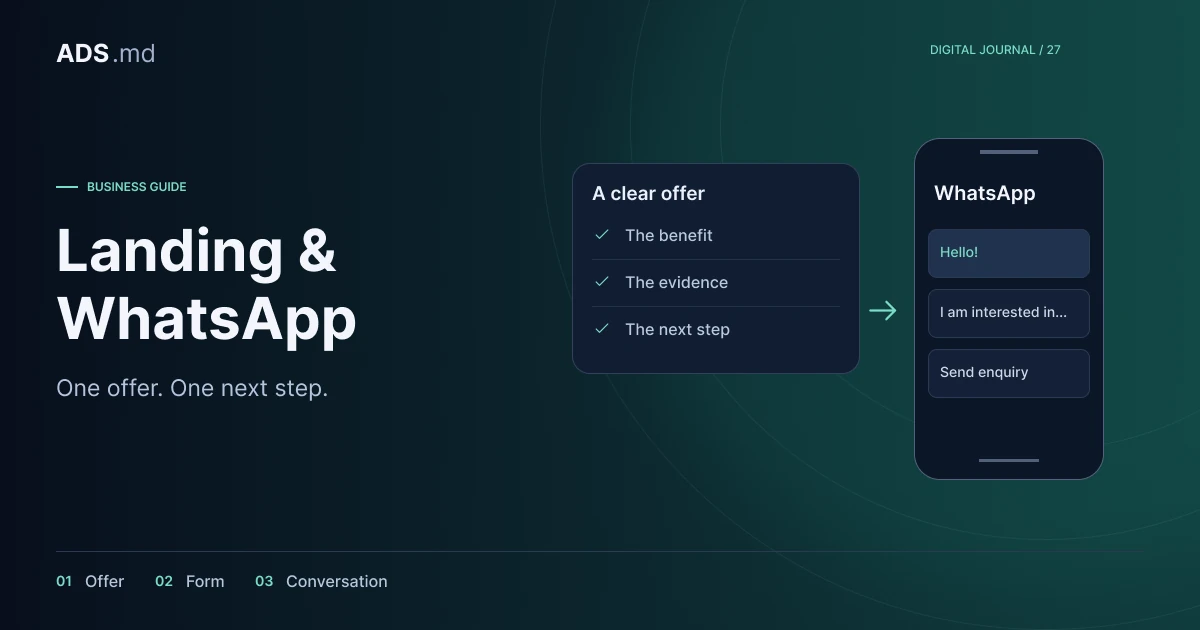
Build a page that answers questions before contact. Connect the offer, evidence, form and WhatsApp with enquiries your team can actually confirm and handle.
Contents
A landing page has a specific responsibility: continue the advertisement's promise and help the visitor take the next step. That step might be an estimate request, a conversation or an order. Choose the structure around the actual action instead of a template filled with decorative sections and repeated calls to act.
We will use a hypothetical company installing interior doors. Visitors need to understand whether the offer suits their home and what information is required for an estimate. This is a page-design exercise, without a promised conversion rate or results attributed to an existing advertising campaign.
Write the offer before choosing the layout
Describe the service, operating area and next step in one sentence. In this example, that means interior door installation within the company's agreed area, with the enquiry reviewed before a quotation. Avoid adjectives that occupy the opening screen without explaining the work, included materials or the team's responsibilities.
List the boundaries: does the company supply doors, remove old ones, transport materials or only install them? Every answer need not appear in the headline, but the page should make it available. If the offer remains undecided, visual design cannot compensate for that missing commercial decision or prepare an accurate customer conversation.
Follow the order of customer questions
The opening confirms the service and provides a clear action. Then comes information supporting the choice: included work, relevant examples, process, limitations and contact. The order may vary, but every section should answer a question arising before an enquiry instead of repeating an earlier claim beneath a different heading.
Test a paper outline with someone unfamiliar with the business. Ask them to explain the offer and show how they would request an estimate. Observe where they seek information without pointing to the button. If removal of existing doors repeatedly comes up, clarify the offer before changing colours or the size of the main photograph.
Use evidence that supports the actual service
Relevant project photographs can explain finishes and the situations the company handles. Choose readable images with enough context and caption what they show. Do not present a generated image or catalogue example as completed work. An attractive photograph alone does not demonstrate experience with every type of installation a customer might need.
Reviews and statements about the team need a verifiable basis. If approved testimonials are unavailable, explain the process and show genuine materials. Do not fill template placeholders with invented customers, approximate project counts or warranties the company does not actually provide and cannot support during a sales discussion.
Name the button after its outcome
“Request an estimate” describes a different action from “Book your installation”. Choose wording matching the workflow. If a colleague must check availability and dimensions, the first click does not confirm a booking. Supporting text can explain what information comes next and who responds after the enquiry is received.
Keep one primary purpose even if you offer two channels. A form and WhatsApp can serve the same enquiry without looking like competing offers. On mobile, avoid a fixed contact panel large enough to hide explanations or fields. Inspect the page with the keyboard open, when substantially less screen space remains available.
Ask for information needed at the first stage
For the hypothetical installation service, useful details might include location, approximate door count, the stage of work and a reply channel. Validate the form with the colleague handling enquiries. When a field does not change the initial assessment, consider moving that question to the subsequent conversation.
Forms need understandable labels, instructions and errors; see the W3C accessible forms tutorial. During practical review, use a keyboard, leave a required field blank and enter an invalid number. Preserve already entered nonsensitive information after a submission failure so people can correct the issue without starting the whole enquiry again.
Prepare WhatsApp as a conversation starter
Prefilled text might say “Hello, I would like information about door installation”. Let the person read and edit it. Do not put personal information into the link address or assume that opening the application automatically sends a message. Check the route with the app installed and through the browser.
Decide who replies, during which hours and how relevant conversations enter the team's records. Any promised response time must match operational capacity. Prepare a reply that asks for missing information without making people repeat everything they already wrote. Having a contact button does not resolve the work of handling conversations after the transition.
Measure intention and received enquiries separately
Count form opening, successfully accepted submissions and WhatsApp clicks separately. The last action does not prove a message was sent. Within a CRM, a confirmed enquiry may subsequently move through assessment, quotation and contract. Do not label every stage as the same conversion or the report will conceal where difficulties occur.
For GA4, review the generate_lead event and define its trigger in your implementation. Respect applicable consent choices for measurement. Do not send phone numbers, addresses or free-text form content as event parameters. Check repeated taps and page refreshes to avoid duplicate records.
Improve observed obstacles
Before promotion, complete the journey on a phone: advertisement or link, page, form or WhatsApp, then enquiry handling. Check language, perceived loading speed, errors and returning from an external application. A page that looks convincing in an editor can lose entered information precisely during these transitions between states.
After launch, group real questions about price, service area, included work and availability. Use them to make specific changes to the explanation or section order. Change one substantial hypothesis at a time and record the conditions. With few enquiries, careful observation of the journey is more useful than declaring a winner from a handful of clicks.
Sources and documentation
Your notes
Notes stay in this browser.