Marketing automation: useful messages and CRM follow-up
Turn incoming enquiries into a process with an owner, a deadline and stopping rules. Practical email and WhatsApp examples, including failures and human handoff.
Contents
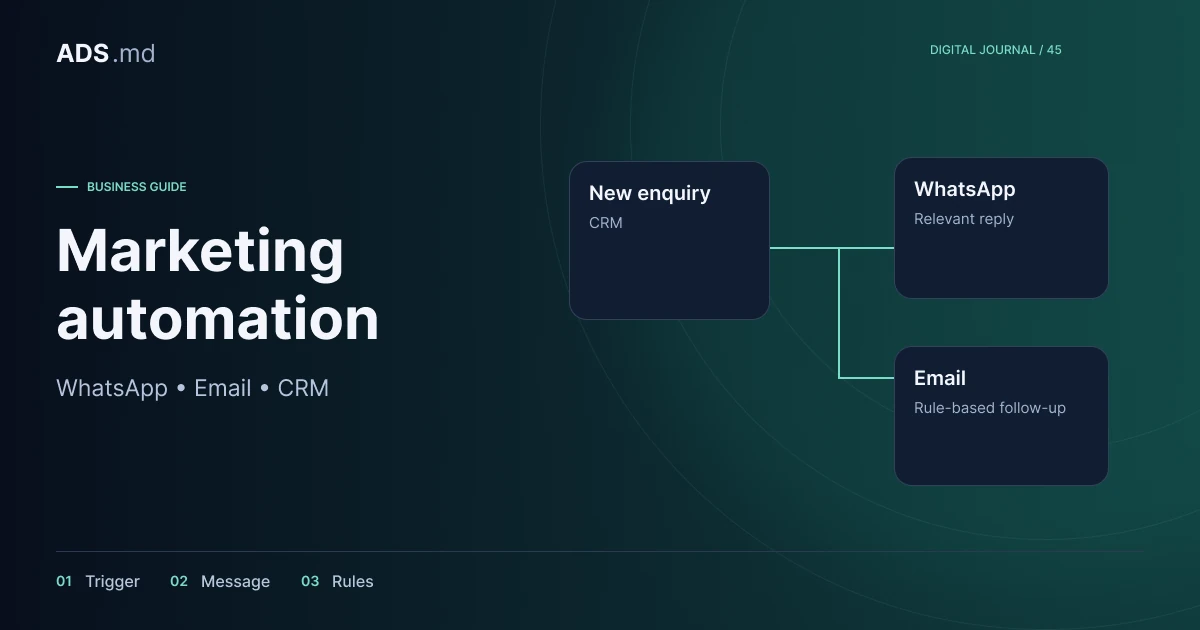
Automation is useful when an action repeats and its rules are sufficiently clear. It can acknowledge an enquiry, create a task or stop a message that is no longer appropriate. If the team cannot explain who responds and what they promise, automation will reproduce the same confusion faster.
Map one actual enquiry journey
Choose one process to start. In a hypothetical furniture workshop, enquiries move through receipt, review, conversation, quotation and decision. Each stage needs an owner and an observable condition for moving forward, rather than a vague description such as “the customer seems interested”.
Record where time is lost: copying information, missing notifications or forgetting to follow up. Do not automate every conversation at once. A small, verified rule is easier to understand than a branching workflow nobody can explain to a new colleague after launch.
Define minimum data and its source
An enquiry record might contain an identifier, date, service, language, contact channel, owner and status. Details needed for the conversation stay in the operational system. Avoid copying the entire customer message into every tool or sending sensitive information to advertising platforms.
Someone may submit a form and then write on WhatsApp. Keep the enquiry and interactions as linked records rather than assuming two sales opportunities. Define a duplicate rule but allow human review: a family or several employees may share a phone number.
Separate acknowledgement from a commercial answer
An automatic acknowledgement says the enquiry was received and explains what happens next. It should not promise a quotation, booking or availability that nobody has checked. For the workshop, it might identify missing information and explain the working hours during which requests are reviewed.
Write short messages with one action. Avoid sending identical email, WhatsApp and other notifications simultaneously without a purpose. Choose the channel around preference and context. Once the person answers, subsequent communication should reflect that response instead of mechanically continuing the initial sequence.
Respect each channel's permissions
Contact about an enquiry is not general permission for every future campaign. Record the communication purpose and preferences, and provide a straightforward stopping route. For WhatsApp, check its official messaging policy and the current conditions for the account type being used.
With WhatsApp Business Platform, company-initiated messages and messages outside the service window may require approved templates. Do not assume that mobile application features and API integrations are identical. Check message category, eligibility and costs before designing a workflow that depends on them.
Consent for nonessential tracking is separate from someone requesting a quotation. Refusing analytics should not prevent receipt of an enquiry. Document necessary service communication separately from marketing use so a preference change affects the appropriate part of the process rather than indiscriminately stopping everything.
Build stopping rules first
Cancel follow-up when the person responds, declines, purchases or asks to stop communication. Check the current state immediately before sending, not only when scheduling. The situation can change between those moments through a telephone call or an in-person conversation.
- Closed enquiries no longer receive quotation reminders.
- Human handling suspends conflicting automated messages.
- Contacts without the required permission do not enter a campaign.
- Repeated errors create a task for investigation.
In the workshop example, a scheduled follow-up should stop when the customer accepts by phone. The colleague updates the CRM and the rule checks that state. Otherwise, the person may receive “are you still interested?” immediately after agreeing on the next step.
Treat failures as part of the workflow
An integration can receive the same event more than once or temporarily lose its connection. Use identifiers to prevent duplicate enquiries and repeated messages. Limit and record retries, with an intervention route when the problem persists instead of repeatedly attempting delivery indefinitely.
Do not confuse “the API accepted the request”, “the message was delivered” and “the customer read it”. Keep available states and timestamps. For email, invalid addresses and delivery rejection differ from silence: someone cannot answer a message they never received.
Test situations that break the ideal path
Prepare fictional contacts and clearly labelled test messages. Walk through complete requests, missing fields, duplicates, refusal, delayed responses and human takeover. Check language, time zone and opening hours so an internal waiting interval does not unexpectedly produce inappropriate messages at night.
Ask a colleague to follow the same enquiry in the CRM and communication channel. They should be able to explain why every message was sent and how to stop the sequence. If explanations require guesses, improve the log and rules before using the workflow with customers.
Measure the order created, not message volume
Track enquiries without owners, time to the first human response, failed messages and correctly closed cases. Message count is not a commercial objective. A system that sends less but prevents forgotten enquiries and contradictory communication may provide more value.
Review a sample of conversations regularly and adjust rules around observed problems. Assign responsibility for copy, integration and records. Automation stays useful when the team can see what it does, correct an exception and stop a workflow without losing the customer's original enquiry.
Sources and documentation
Your notes
Notes stay in this browser.