From idea to website: Figma, Codex, Supabase and Vercel
What each tool contributes to a web project and what to verify between stages. A practical workflow for design, code, data and controlled publication.
Contents
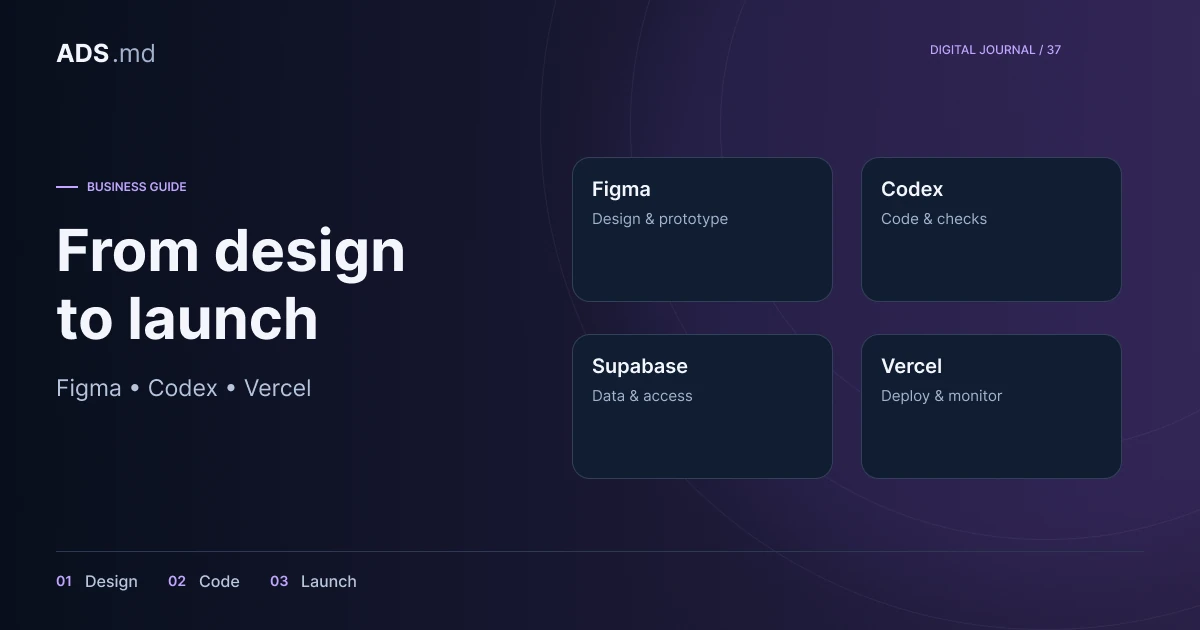
A web project's quality is not determined by its tool count. Figma can clarify the interface, Codex can assist with code, Supabase can organise data and Vercel can publish the application. Their useful connection is a process in which each result can be checked before the next stage begins.
Define a complete journey before selecting technology
Use a hypothetical workshop needing service pages and quotation requests. Describe the journey from a page visit to a colleague receiving the enquiry. Include missing fields, connection loss and duplicate submission so implementation addresses actual operation rather than only the ideal scenario.
Write what the visitor receives and what the team must see. An on-screen confirmation does not prove data was saved, and a database does not prove that only appropriate people can read it. Turn these into separate acceptance criteria understood by the owner, designer and developer.
Use Figma to decide interface behaviour
Begin with information order and necessary screens. For the workshop, show the service, examples, process and contact route. Draw the form in normal, error and success states. A design showing only the first screen leaves important interactions undecided until implementation.
Build components for repeated elements and use real copy in every language. Resize cards and inspect where long headings change their structure. Handoff should explain intent, states and content, not merely colours and dimensions. Generated or copied code does not replace application behaviour.
Give Codex bounded tasks and clear acceptance criteria
Codex can assist with code exploration, implementation and checks. Official OpenAI examples describe these uses. Give it verifiable work, such as saving a validated form and showing confirmation only after success, together with relevant files and constraints.
A useful task explains what already exists and what should be preserved. Ask for project conventions to be inspected before changes. Review the diff and appropriate tests: a persuasive tool response does not demonstrate functionality. Whoever accepts delivery should understand the change and the limits of verification.
If the application itself uses an AI service, distinguish that feature from AI assistance during development. Define transmitted data, operating costs, failure handling and what happens after an unsuitable response. Do not add a chatbot merely because the technology is available.
Model data around the team's work
A workshop enquiry might have an identifier, service, contact, status and owner. Later interactions can be separate records linked to it. Select fields around what needs to be tracked, avoiding one large text field that mixes the request, history and commercial decision.
Separate public and private information. A service catalogue can be public; enquiries and internal notes should not be. Document who can create, read, change and delete each data type. Displaying a login page does not itself enforce access controls on records.
Give Supabase explicit access rules
Supabase provides PostgreSQL and associated tools. Access policies for API-exposed data need deliberate design and testing. The Row Level Security documentation explains controls at the individual-record level, including the distinction between different users' information.
In this example, visitors may submit an enquiry but cannot list other people's requests. Authorised colleagues see data appropriate to their roles. Test with different users and without authentication. Never place privileged keys in browser-delivered code or public files, even when the interface appears restricted.
Plan schema changes and recovery. A backup is useful when there is a tested restoration process. Before adding a required field, check existing records and application versions still using the earlier structure, which could otherwise stop saving enquiries unexpectedly.
Review a preview before publication
Vercel distinguishes development, preview and production environments; configuration is covered in its environment documentation. A preview lets people inspect the proposed version before visitors to the main site begin using it.
Separate test data and credentials from live systems. Preview forms should not accidentally deliver demonstration enquiries to the sales team or send messages to customers. Control access to environments containing private information and inspect every integration's destination, not only the page address.
Check both the browser and the operational system
The workshop test should follow completion, validation, saving, confirmation and colleague access. Check phones, keyboards, translations and enlarged text. A successful build confirms compilation but does not establish that people can complete the intended journey in the actual interface.
- The form does not confirm success after an error.
- Visitors cannot see another person's information.
- Double clicks do not create uncontrolled duplicates.
- Refusal of nonessential tracking is respected.
- An unavailable integration has an explained state.
Nonessential tracking requires appropriate consent. Keep personal information in the operational system and distinguish clicks from received enquiries. For defects, record reproduction steps and expected behaviour so the correction can be checked concretely rather than accepted on appearance alone.
Hand over maintenance responsibility too
Give the company access to its domain, repository, design, data and hosting. Explain publication, verification and recovery to a working version. Accounts and costs should be known without depending on one person who holds all the necessary information.
Add further tools only for demonstrated needs. Each integration introduces configuration, cost and maintenance. A small system with clear responsibilities and repeatable checks is more useful than a collection of connected services without an operating process the team understands.
Sources and documentation
Your notes
Notes stay in this browser.