Cookies in Moldova: what to check after August 2026
Law No. 195/2024 is now in force. Learn how to inventory data, configure consent choices and test what forms and measurement tools actually transmit.
Contents
A cookie banner is the visible part of a wider decision: what data the website uses, for which purposes, and how it respects a person’s choices. If the banner offers refusal while the tools continue collecting in the same way, the interface and implementation tell different stories.
As of this guide’s update on 11 September 2026, Law No. 195/2024 is already in force, since 23 August 2026. CNPDCP explains the new legal framework. Calling it a “cookie law” oversimplifies legislation about personal data protection that reaches beyond the browser.
Separate legal assessment from banner implementation
Start with actual processing purposes: answering an enquiry, managing an order, security, analysis or advertising. These activities should not be grouped into one universal agreement. The applicable basis and conditions need to be established in the context of the business and its audience.
This guide provides a technical review method, not a legal conclusion covering every website. Confirm applicability with the person responsible for data protection or a specialist. Audiences in other jurisdictions may create additional requirements alongside the Moldovan legal framework.
Do not classify every convenient preference as strictly necessary. Remembering a language selection and tracking behaviour for advertising serve different purposes. Classification needs a reason based on actual functionality, rather than whichever category name happens to be available in a plugin.
Inventory the website before writing its policy
Open the website in a clean browser profile and inspect local storage and network requests. Record loaded services, contacted domains, transmitted data and activation timing. Repeat the review on pages containing forms, embedded video, maps, chat and ordering functionality.
Include services that do not use cookies. A request to an external provider can transmit data without storing an identifier in the browser. The absence of cookies does not, by itself, establish that no personal data is processed or that the whole system is compliant.
For each tool, record who manages it and why the project needs it. Remove abandoned integrations before writing explanations for them. Forgotten code can continue sending information even when nobody on the team still uses the associated dashboard or reports.
Turn preferences into meaningful actions
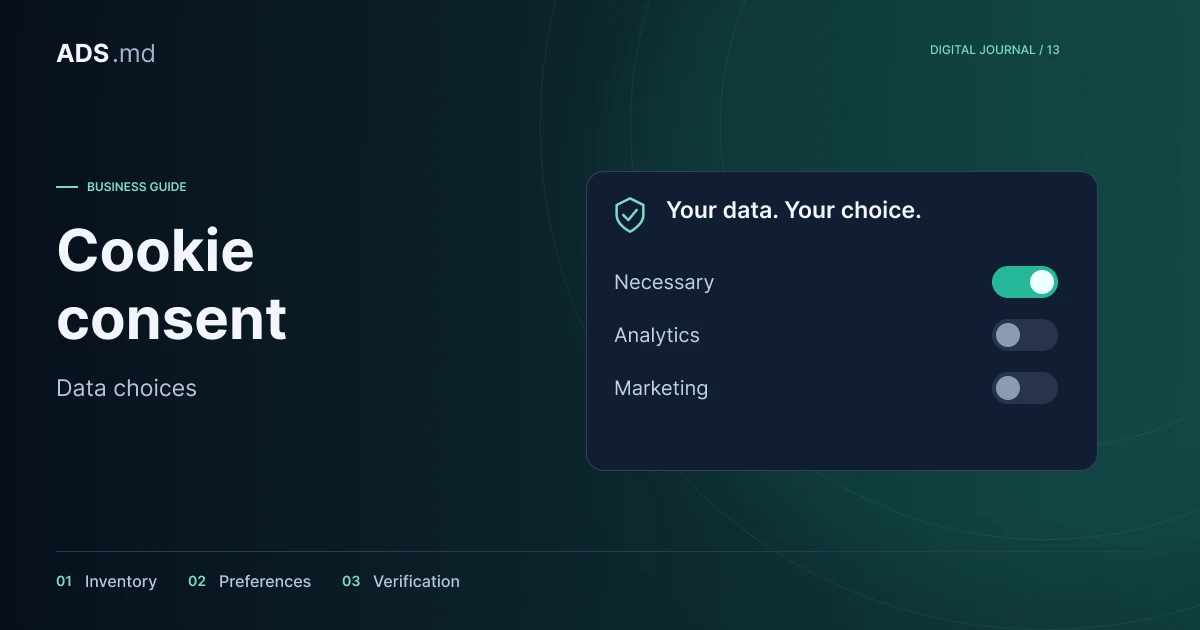
As an interface model, separate necessary functionality from optional analytics and advertising. Briefly explain each category’s purpose. Use clear labels for acceptance, refusal and configuration so people can understand the decision without interpreting ambiguous wording or navigating unnecessary layers.
Do not preselect options presented as voluntary agreement. Keep preferences available after the banner closes and display the saved choice. Check keyboard operation too: focus, buttons and dismissal should work on a small screen as well as on a desktop.
“I understand” may acknowledge an explanation, but does not clearly describe an advertising preference. Name buttons after what they do. In Romanian and Russian, review the complete meaning, including category descriptions, toggle states and messages shown after settings are saved.
Configure the tools as well as the interface
If the approved policy requires a tool to remain blocked until agreement, implement that control before loading it. Check every activation route: page code, tag manager, CMS plugins and embedded integrations. Installing the same library twice can bypass the intended control.
Google’s Consent Mode documentation describes setting defaults and updating them after a user’s choice. The mechanism communicates preferences to Google tags; it does not obtain consent itself or decide the legal basis for processing.
Explicitly choose a basic or advanced integration according to the project’s assessment. No cookies does not necessarily mean no transmissions. Ask the implementer to explain what leaves the browser before agreement, after refusal and after withdrawal, including tools outside Google’s products.
Follow forms through to the CRM
A form needs an explanation close to where data is collected. Say who receives the message and what it will be used for. Do not make discussing an enquiry conditional on agreeing to future advertising; treat a marketing subscription as a separate purpose when offered.
Follow the message after submission. Copies may reach email, a CRM, server logs and internal notifications. Access and retention decisions need to cover those locations as well as the fields visible in the browser, otherwise the review stops too early.
Avoid putting names, telephone numbers or free-text messages into URLs and advertising events. You can design an event that records receipt of an enquiry without including its conversation content. Specify the necessary information before connecting systems rather than forwarding everything available.
Test five separate situations
Prepare a table for initial state, acceptance, refusal, partial choice and later withdrawal. In each situation, compare observed behaviour with the approved decision. Keep evidence of the test: date, page, configuration version and relevant network requests.
Repeat the journey after refreshing and navigating to another page. Saved preferences should apply consistently; refusal on the homepage is insufficient if a pixel starts on the form. Also check language changes, opening chat and visiting through an installed web application.
Describe changes you can demonstrate
Saying “we added a banner” does not demonstrate the complete control. In the project record, state which categories exist, which integrations are controlled and which scenarios were tested. Separate completed implementation from improvements still planned for a future release.
This guide does not certify every ADS Moldova project or assign an automatic SEO benefit to a banner. Policies, data access and script behaviour require concrete assessment. An orderly-looking website can still need corrections to its collection and transmission of information.
Review again after adding integrations
Assign someone to maintain the configuration and repeat checks after adding a form, pixel or external service. A working banner today does not automatically control every future integration. The provider inventory needs to remain tied to the actual implementation.
The useful deliverable is a working record: inventory, decisions, approved wording, configuration and verification. It allows the team to explain what the website does and address observed differences without treating the appearance of a dialog as sufficient evidence of compliance.
Sources and documentation
Your notes
Notes stay in this browser.