Cloudflare: configure speed and protection without breaking flows
A practical sequence for DNS, HTTPS, caching and protection rules. Learn what to check around forms, account access and publishing before changing settings.
Contents
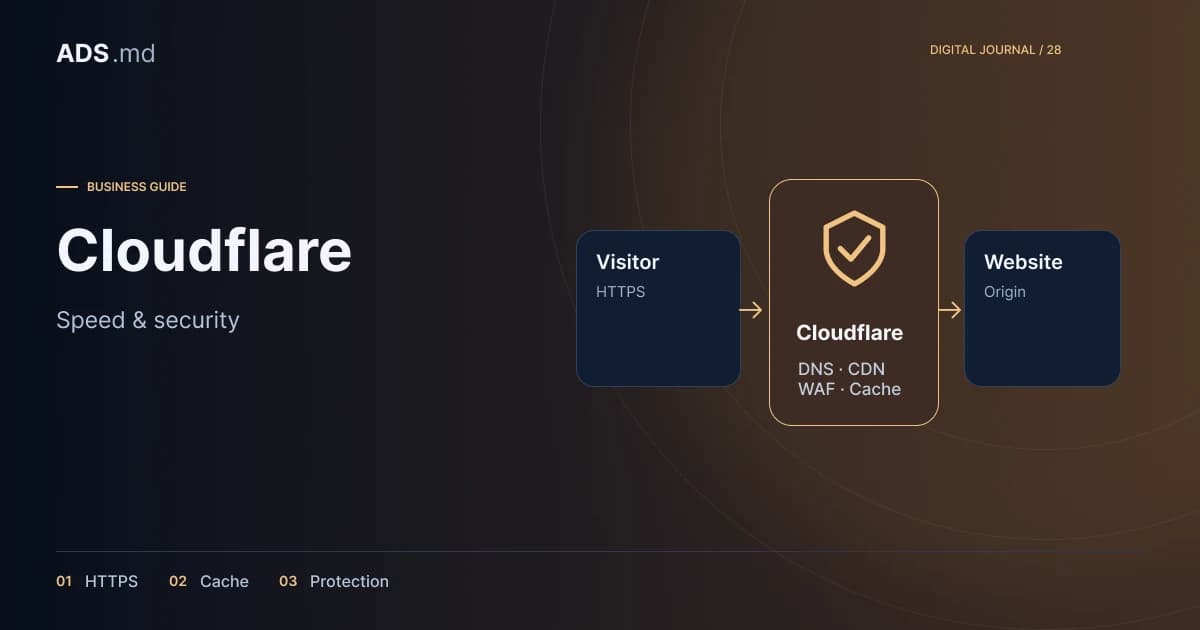
Cloudflare can become a useful component between visitors and website infrastructure. The value of a configuration appears in working pages, forms and accounts, however, rather than the number of enabled options. A change that accelerates an image while blocking customer enquiries needs review even if an isolated performance figure improves.
This guide uses a hypothetical website with public pages, a form and an administrative area. It does not assume every capability is available on every plan. Before changing anything, review current documentation, hosting requirements and domain ownership so you understand the existing configuration and dependencies that your work will affect.
Draw the request path
Record where the domain is registered, where DNS records are managed and who hosts the application. Distinguish the website from email and external services. This inventory prevents a change intended for the homepage from disrupting an advertising subdomain or another business tool nobody mentioned during the initial discussion.
Keep a copy of relevant settings and describe the purpose of each change. “Configure caching for public photographs” is verifiable. “Optimise everything” does not say what to test or how to recover from a problem. Establish who can intervene and where the team can find the change, its timing and its rationale.
Check DNS before changing traffic
Inventory the names actually used: the main domain, www, application subdomains and email records. Do not remove an entry merely because you cannot immediately identify its owner. Find internal documentation or establish the dependency before simplifying an existing zone, particularly when the domain supports several operational tools.
For a planned move, prepare a post-change service checklist. Open the website through different connections, check form destinations and test affected services. DNS changes and application publication are separate operations. Keep them sufficiently distinct to identify the source of a problem instead of diagnosing several systems that changed simultaneously.
Verify HTTPS along the complete route
The connection between visitors and Cloudflare is only part of the route. Full (strict) also validates the origin certificate under Cloudflare's documented conditions. Confirm hosting compatibility and the appropriate certificate before changing the mode, including validity and the hostname it covers.
In our exercise, test the homepage, form and authentication after the adjustment. Repeated redirects may indicate conflicting application and infrastructure rules. Avoid treating a symptom with successive unexplained switches: record the address, time, observed response and last change, then test a specific hypothesis about the cause.
Decide what can be reused from cache
A public photograph and a customer's personal page have different requirements. A cache reuses responses, so eligibility depends on content and context. Read Cloudflare's default cache behaviour; HTML and dynamic responses should not be assumed to receive the same automatic treatment as static files.
For the hypothetical website, separate stable public resources, changing public pages and personalised content. Accounts and session-specific information belong in the last group. Do not apply a global reuse policy before understanding how the application distinguishes these responses and prevents one person's information from reaching another person.
- Public photographs may have a dedicated policy.
- Prices and availability need predictable updates.
- Forms must transmit information to the application.
- Accounts must never receive another user's response.
Test publishing an actual change
Replace a test image or text in the appropriate environment and check when it becomes visible. This exercise reveals whether the team understands publication. If someone must manually purge everything after each edit, document the difficulty and choose behaviour suited to the editorial workflow and its update frequency.
Inspect both the first visit and a return visit. Fast repeat loading can conceal a poor initial experience. Compare the same addresses and conditions while separating application changes. Otherwise, improvements from processing photographs at the same time might be incorrectly attributed to a Cloudflare setting and recorded as the wrong explanation.
Introduce protection alongside functional checks
WAF examines requests through rules, with capabilities depending on configuration and plan; see the Cloudflare WAF documentation. Evaluate a rule through its effect on legitimate activity as well. A larger number of blocked requests does not independently demonstrate that the website works better for customers or staff.
Before broadening a rule, test contact, authentication, allowed uploads and integrations. Use observation or controlled testing where available and preserve a recovery route. Do not add an unnecessarily broad exception just to make one incident disappear. Limit the change to a cause supported by evidence and repeatable behaviour.
Prepare a diagnostic route
When someone reports a problem, ask for the address and approximate time without requesting secrets. Compare the observation with infrastructure events and application logs. A request may be rejected before reaching the server or reach it and fail inside the application. Those situations require different remedies and potentially different owners.
Maintain a short incident record: symptom, impact, relevant rule, change and post-fix check. Include confirmation from the team receiving enquiries. A successful browser response alone does not establish that the message reached the operational system and became available for assignment, processing and an actual customer reply.
Hand over maintainable settings
Finally, document account ownership, team access, added rules and their reasons. Record how content is updated and how an incident is checked. Domain operation should not depend solely on the memory of someone who no longer works on the project and cannot explain an unusual exception.
Cloudflare complements hosting and the application; code maintenance, backups and appropriate access remain necessary. A useful outcome is an explainable configuration, tested against actual website actions and understandable enough for the next update to be made deliberately while preserving forms, accounts and other functions the business depends on.
Sources and documentation
Your notes
Notes stay in this browser.